
Every agent you run, on one desk.
Claude Code, Codex and Gemini side by side, each state shown live.
Move your pointer: the light follows it through the glass.
Four agents. One is waiting for you.
This desk runs on its own. Codex in t2 is asking before it touches the schema: approve it and watch it go back to work.
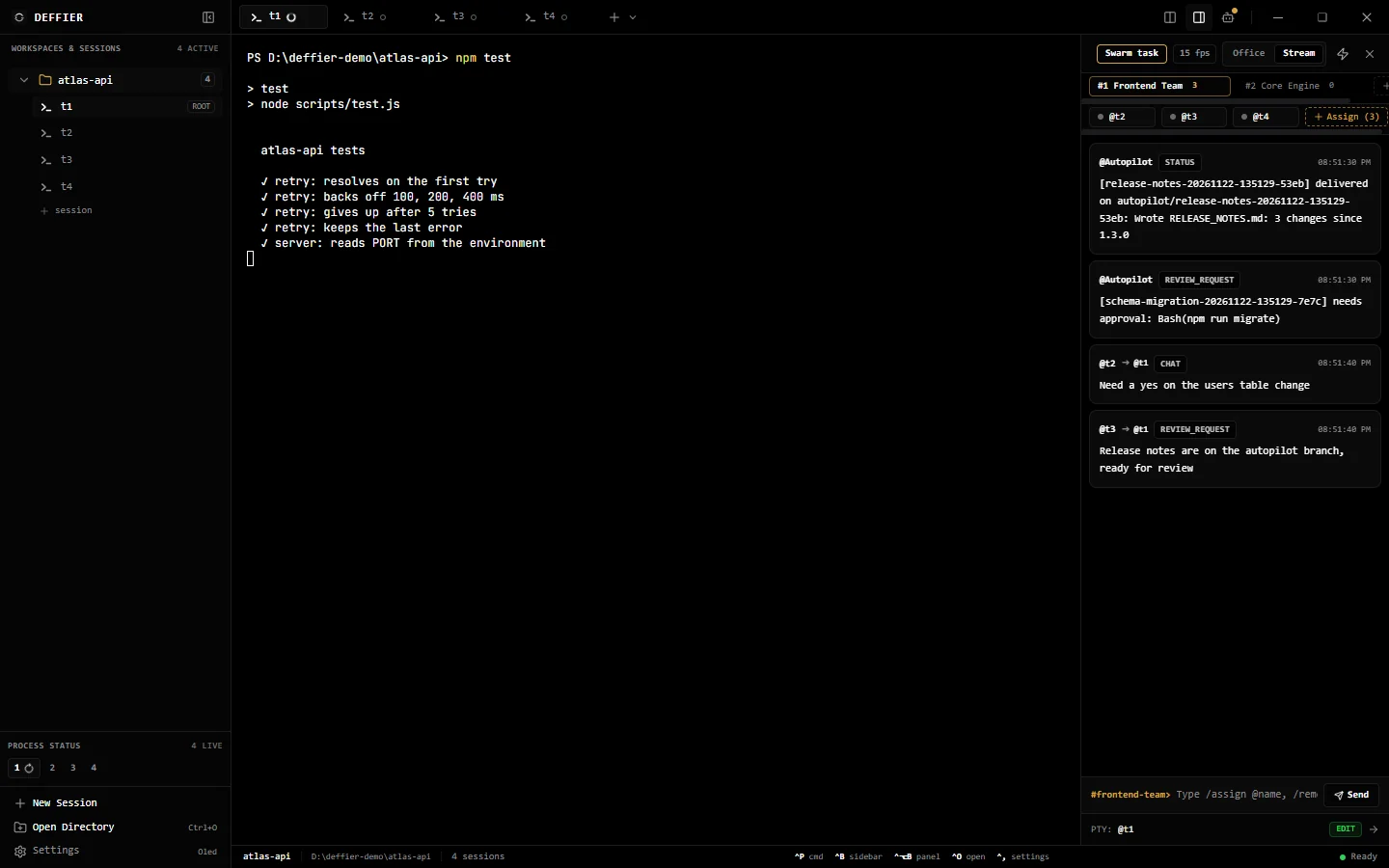
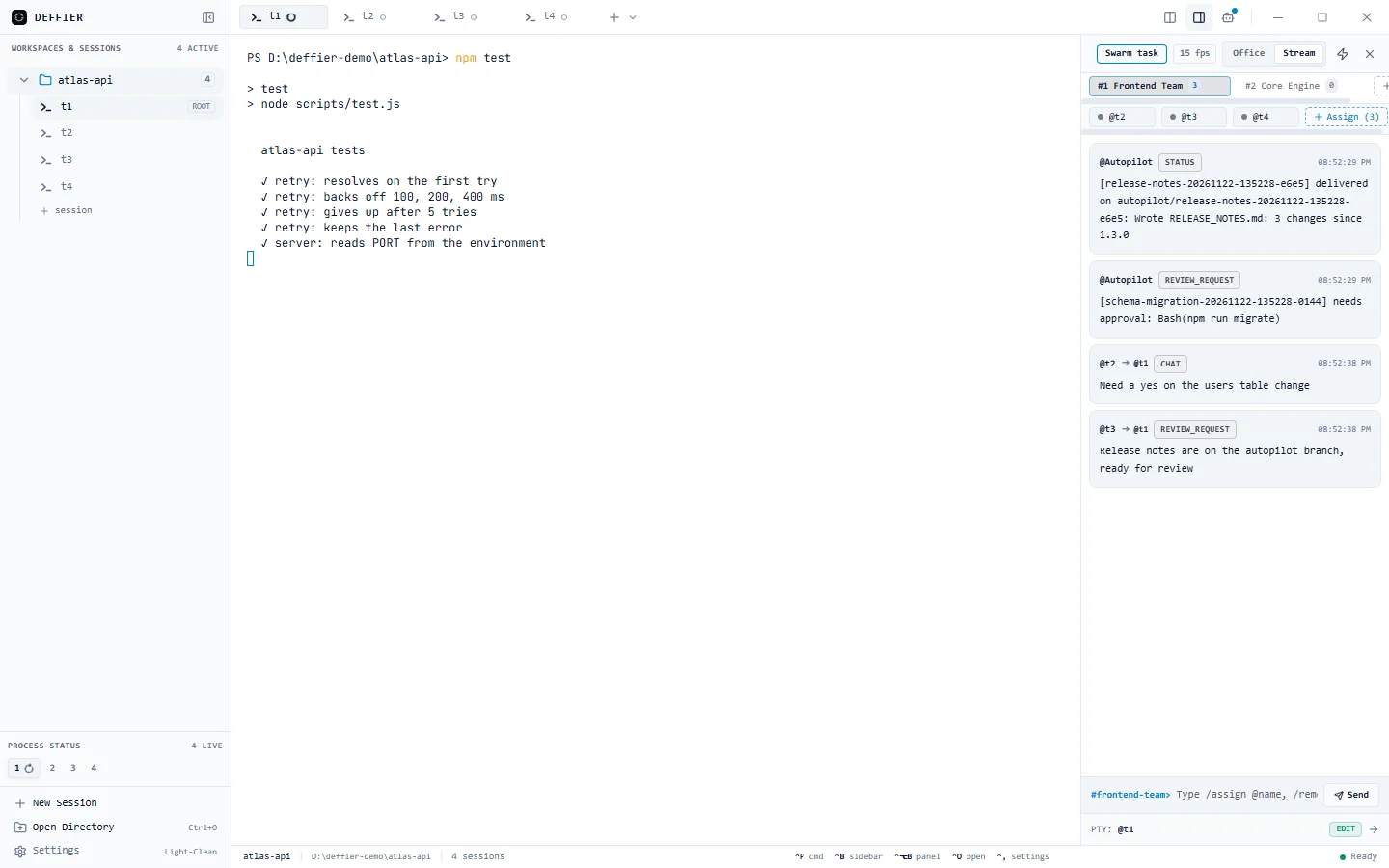
And this is the real thing.
Four terminals in one project, the room open on the right. No mock-up.
Built for running many agents at once.
Everything you need to hand work to several AI agents and stay in charge of it.
Four rings, one glance.
Deffier reads what every terminal does, so you see who is working and who needs you without opening a tab.
Read the guideAgents talk where you can read it.
One room for every agent. Messages are signed with the session name, and a message to t3 shows in t3’s terminal.
Read the guideTasks out, branches back.
Each task runs on its own git worktree. Nothing merges without you.
Read the guideJobs that stop and ask.
Autopilot runs on a schedule and parks when an agent needs permission.
Read the guideOne login per profile.
Every account keeps its own folder. Deffier never reads your sign-ins.
Read the guideNothing leaves your PC.
One command hands out the work.
Agents can do it too: a lead agent splits a feature, hands the parts out and reviews what comes back.